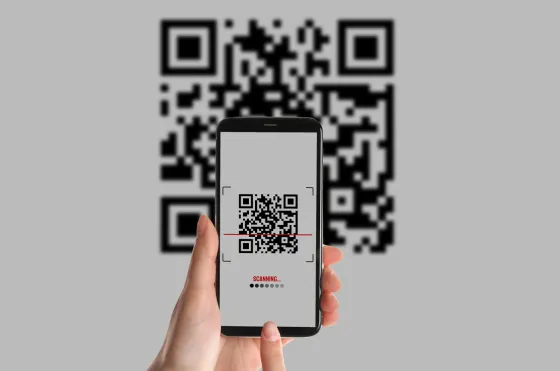
A coupon that will not scan is almost always one of four things. Work through them in order and most codes go through on the second attempt.
1. Check the light
Scratch panels are glossy. Direct sunlight or a bare bulb overhead puts a highlight straight across the code. Turn slightly so the light falls from the side, and hold the pack about fifteen centimetres from the lens.
2. Clear the panel properly
A coin edge works better than a fingernail. Remove the whole coating, not just enough to read it yourself, because the camera needs clean contrast across every character.
3. Type it instead
Manual entry is not a fallback for broken codes; it is a first-class path. The characters most often confused are zero and the letter O, and the digit one against a lower-case L. If the code is rejected, retype it treating every ambiguous character the other way.
4. Raise a ticket
If it still fails, open the help screen and raise a ticket with the code and a photo of the coupon. Keep the pack until the ticket closes. Support can credit the points manually once the code is verified.
Placeholder article written for this rebuild. Replace with approved copy before launch.