Download App

Get the app, register in a minute and scan your first coupon today.

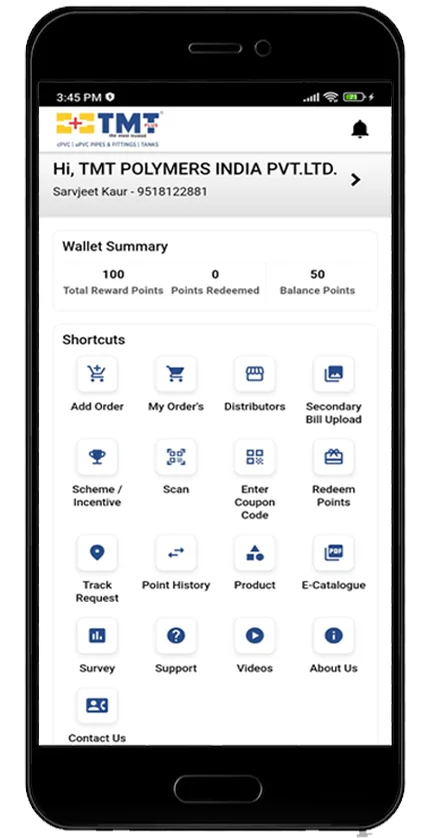
The app is the whole programme: scan a coupon, watch the balance move, place a claim and follow it to delivery.

Download the app

Join our network with Saathi Samreedhi

Scan a coupon, watch the balance move, follow a claim to delivery.

  • Instant coupon scan
  • Live point balance
  • One-tap redemption

Scan to download

QR code linking to the Saathi Samreedhi app download
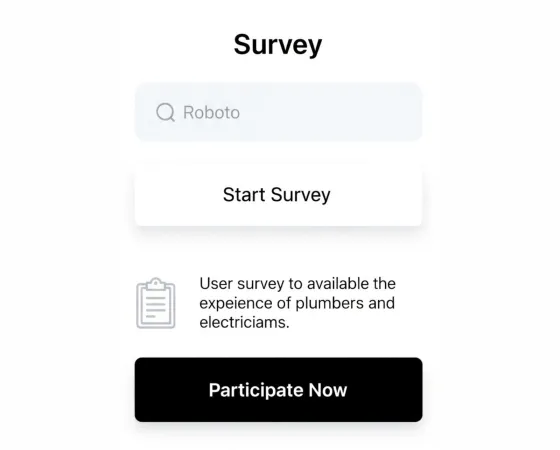
The Saathi Samreedhi app on a phone

How it works

Step-by-step guide to the app

Registered and scanning inside five minutes.

  1. App screen: Registration

    Step 1 of 10

    Registration

    • Install the app and open it.
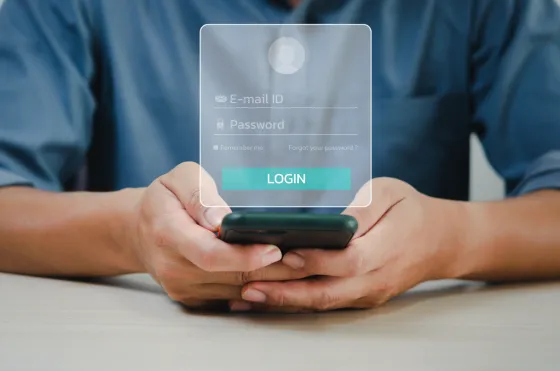
    • Enter your mobile number and confirm the OTP.
  2. App screen: Complete your KYC

    Step 2 of 10

    Complete your KYC

    • Add your name, trade and city.
    • Save the bank account for cash redemptions.
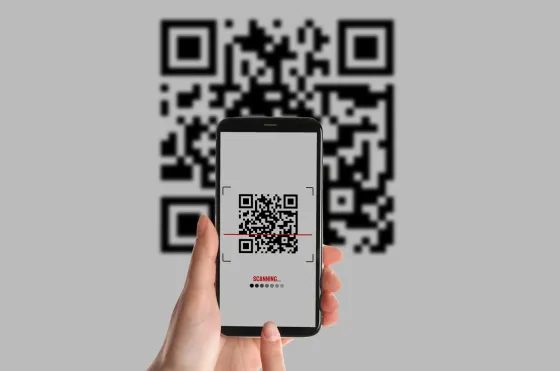
  3. App screen: Scan the coupon

    Step 3 of 10

    Scan the coupon

    • Open the pack and find the scratch panel.
    • Point the camera at the revealed code.
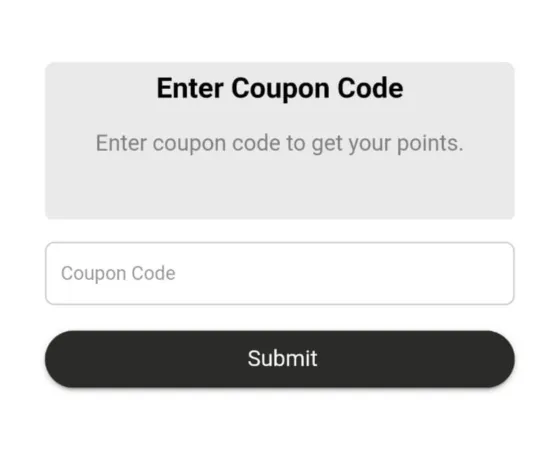
  4. App screen: Or enter the code

    Step 4 of 10

    Or enter the code

    • Type the code if the camera cannot read it.
    • Check each character before submitting.
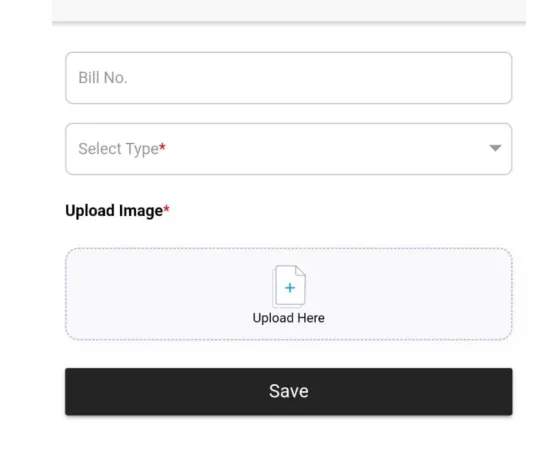
  5. App screen: Record your purchase

    Step 5 of 10

    Record your purchase

    • Confirm the product and quantity.
    • Points post against your account immediately.
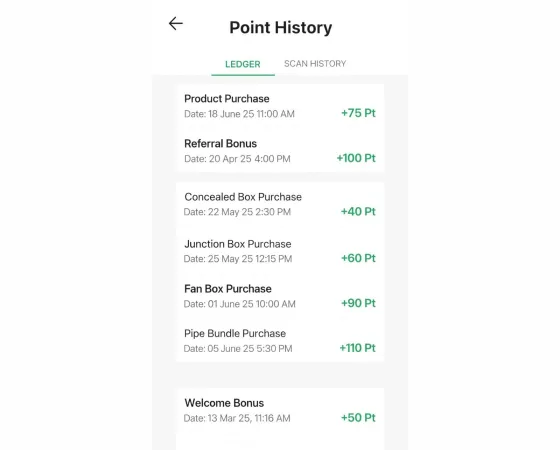
  6. App screen: Check point history

    Step 6 of 10

    Check point history

    • Every scan is listed with its date and value.
    • Filter by month to reconcile a period.
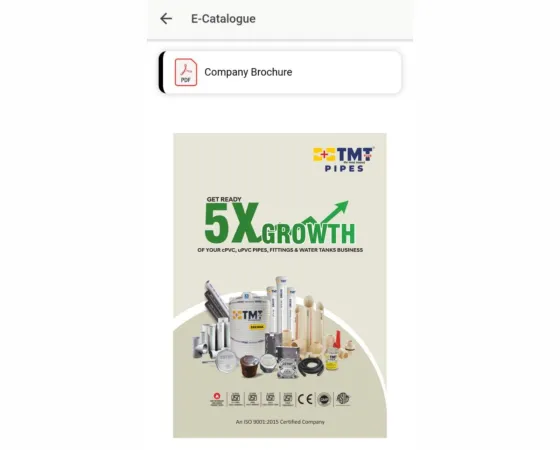
  7. App screen: Browse the catalogue

    Step 7 of 10

    Browse the catalogue

    • See what is available and what it costs.
    • Compare options before you commit.
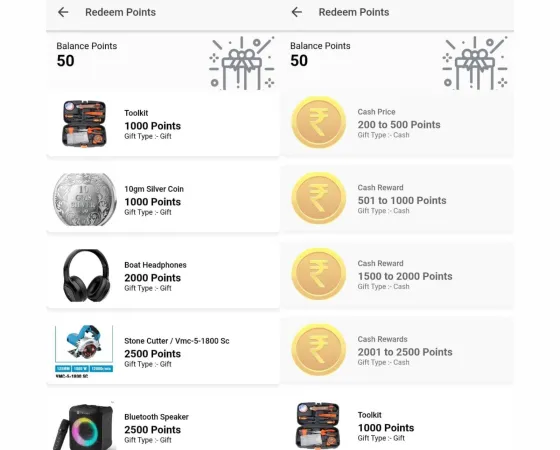
  8. App screen: Redeem your points

    Step 8 of 10

    Redeem your points

    • Select a reward and confirm the details.
    • The balance is held while the claim is reviewed.
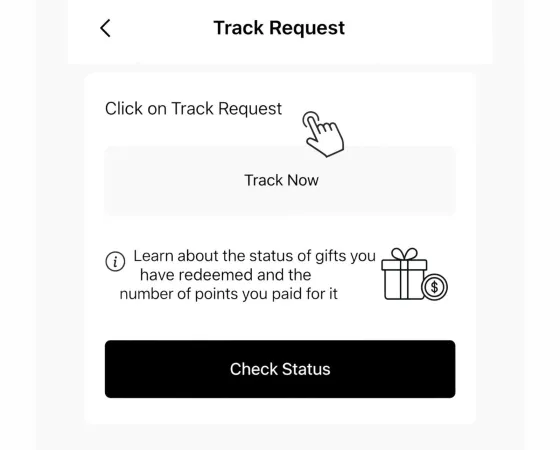
  9. App screen: Track the request

    Step 9 of 10

    Track the request

    • Follow the claim from approval to dispatch.
    • Delivery updates appear on the same screen.
  10. App screen: Share feedback

    Step 10 of 10

    Share feedback

    • Rate the reward once it reaches you.
    • Tell us what you would like stocked next.

1 10

App update

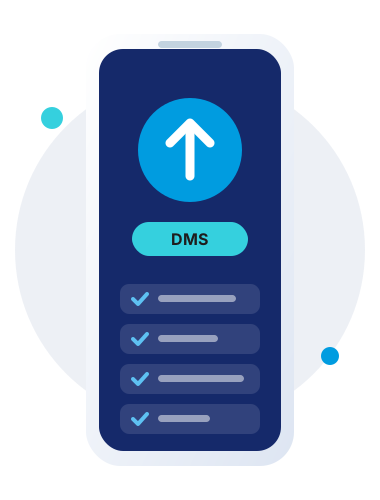
App ko DMS mein upgrade karne ke steps

Chaar step. Aapke points aur history waise ke waise.

  1. 1

    Apna number verify karo

    Registered mobile number daaliye aur OTP se verify kar lijiye.

  2. 2

    App kholo

    Update ke baad app dobara kholiye taaki naya DMS screen load ho.

  3. 3

    Role select karo

    Electrician, plumber, retailer ya distributor mein se apna role chuniye.

  4. 4

    Verify aur complete karo

    Details check kijiye aur submit kariye. Aapka purana balance saath aa jayega.
Join Saathi Samreedhi

Start collecting on your very next order

Registration takes a minute and costs nothing. Your first coupon can be scanned the same day.